Samples
Note
This documentation is for Google Map Control 7.0 and above.
We created sample pages to help you start with Google Map Control usage.
Download Website
You can download the entire samples website from Download Page. Download the website unzip and open it in Visual Studio.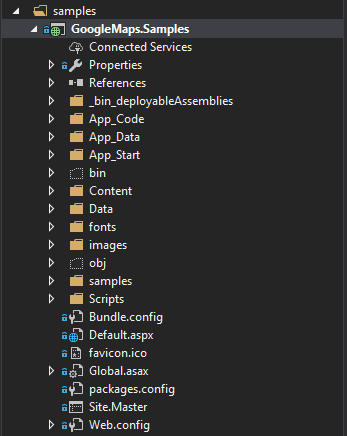
Open Web.config and replace the Google Maps API Key placeholder with your generated key.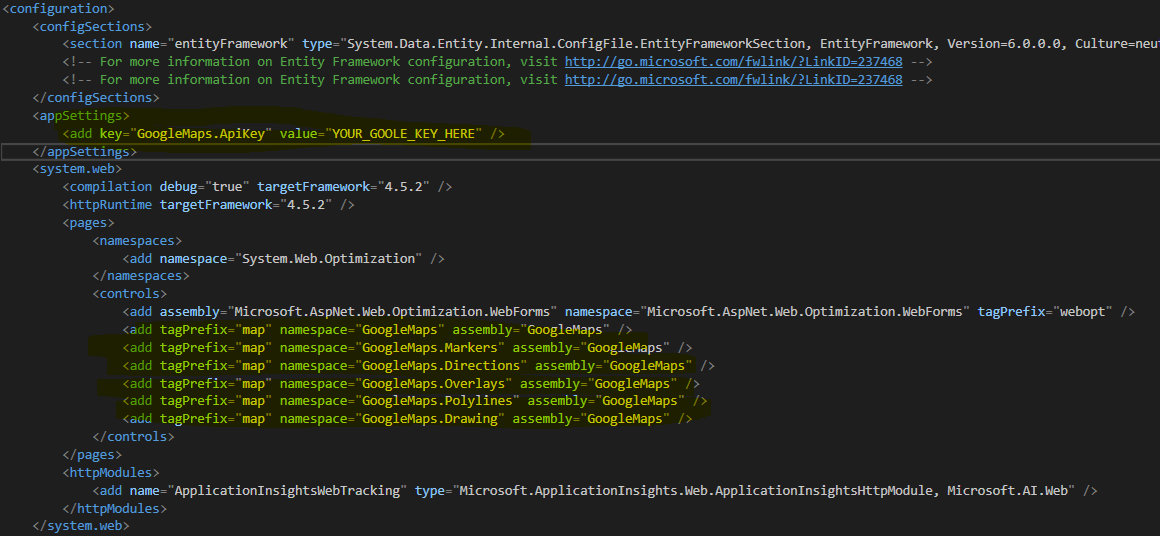
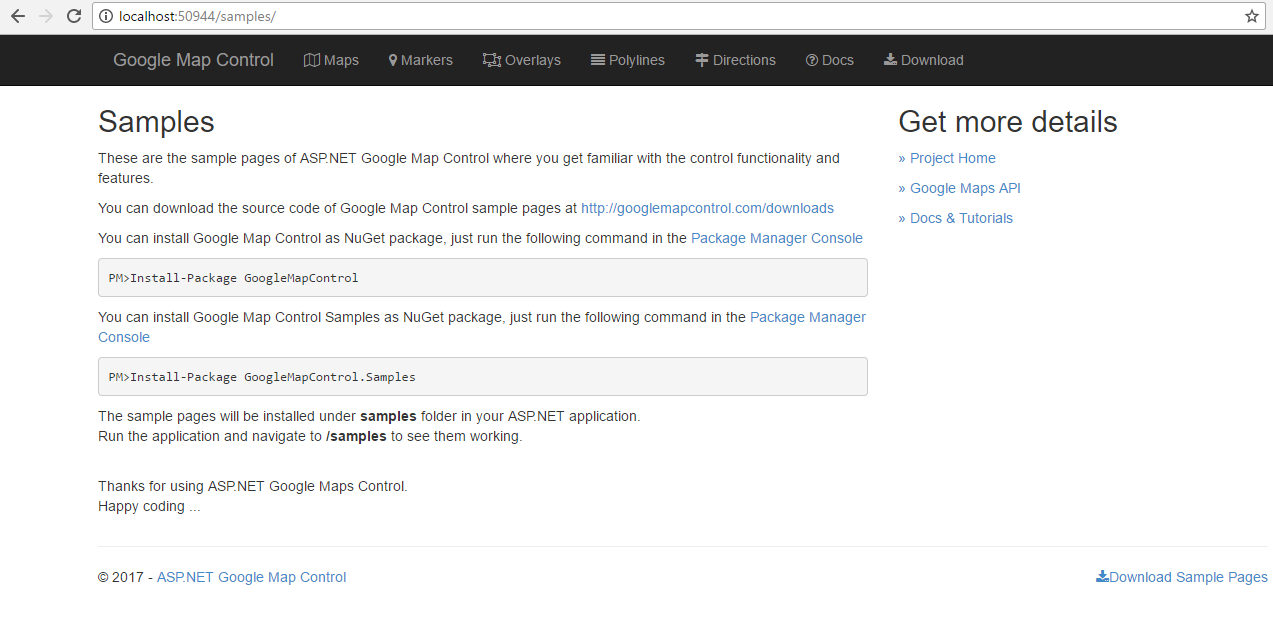
You are ready to run the samples website now.
NuGet Samples
You can add the sample pages inside your asp.net webforms application using NuGet Package Manager.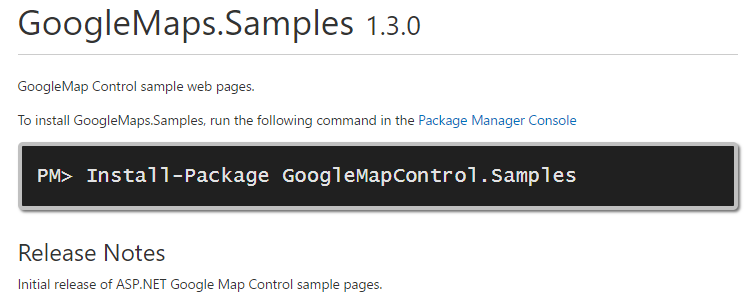
Use Manage NuGet Packages... in Visual Studio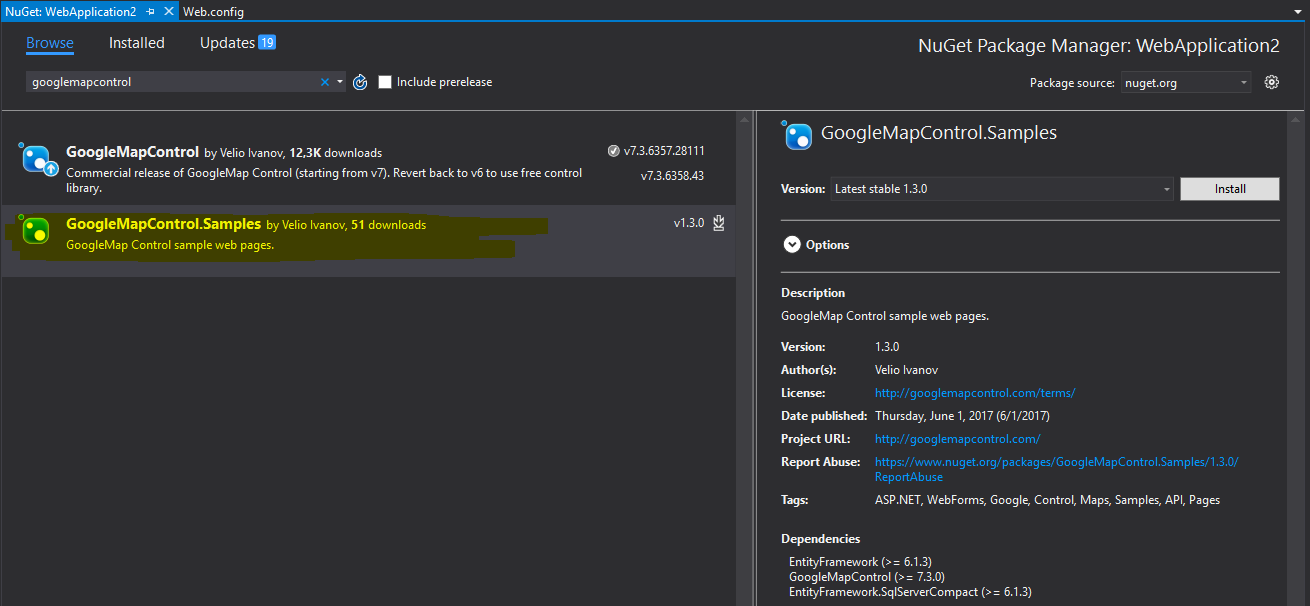
Or just run the following command in the Package Manager Console.
PM> Install-Package GoogleMapControl.Samples
Just don't forget to generate your Google Maps API Key and replace the placeholder in Web.config
The NuGet package install will add the sample pages under samples folder inside your application.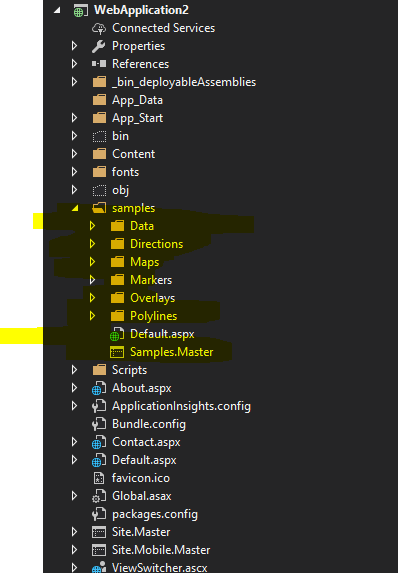
The necessary changes will be done to your Web.config, just replace the Google Maps API Key placeholder with your generated key.